


Pinpal Todo
A quiet to-do list your AI can work with too.
Type it, tick it, done. No dates to set, no emails, no app trying to run your life. And if you want, the AI you already use can work on the list with you, from your phone or anywhere else.
 Connect your AI
Free for up to 20 todos. $1.99 a month for unlimited. First week free.
Works withClaudeChatGPTand any AI with MCP
To do
- Oat milk
- Call the vet
- Book the cabin
- Batteries for the smoke alarm
- Return the library books
No reminders. No badges. It waits for you.
To Claude
Add oat milk and everything for the cabin weekend. Put it in my Pinpal.
Just a list
Nothing more. Not your project manager.
Most to-do apps want to run your life: dates on everything, reminders, streaks, emails about what you didn't finish. Pinpal Todo is a list. You write it, you tick it, and it leaves you alone.
Not here: forced due dates, reminder emails, nagging notifications, projects and labels, productivity scores.
The app
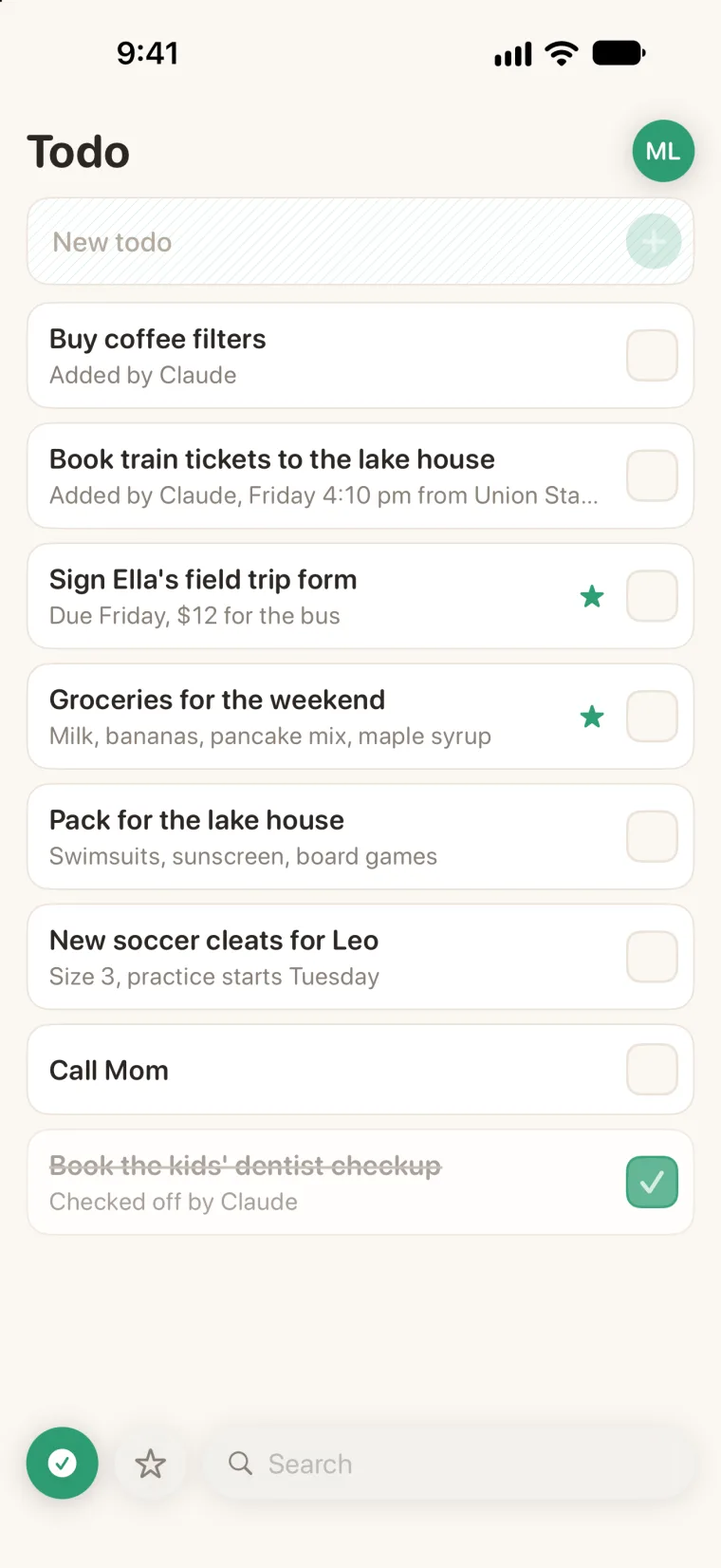
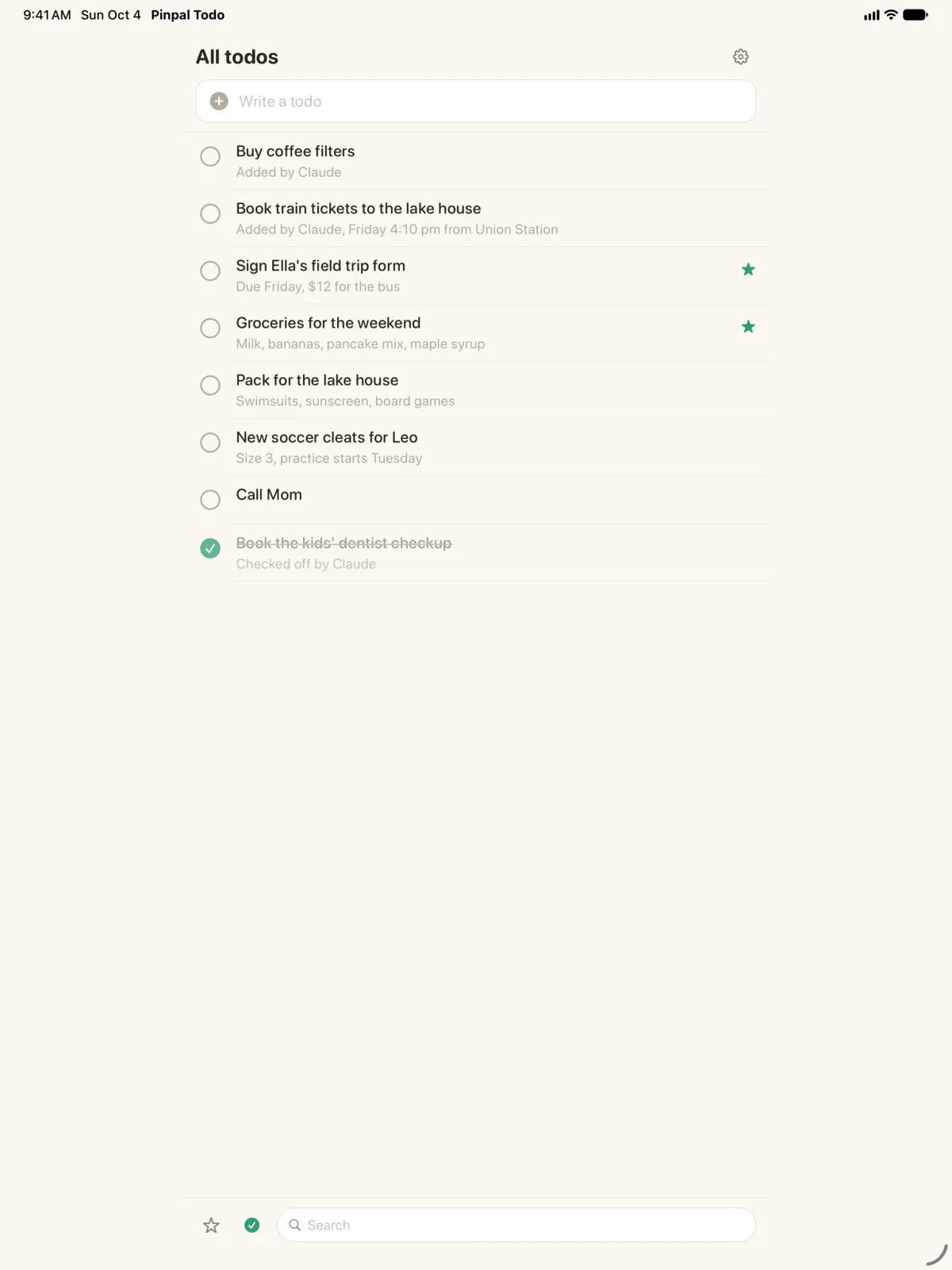
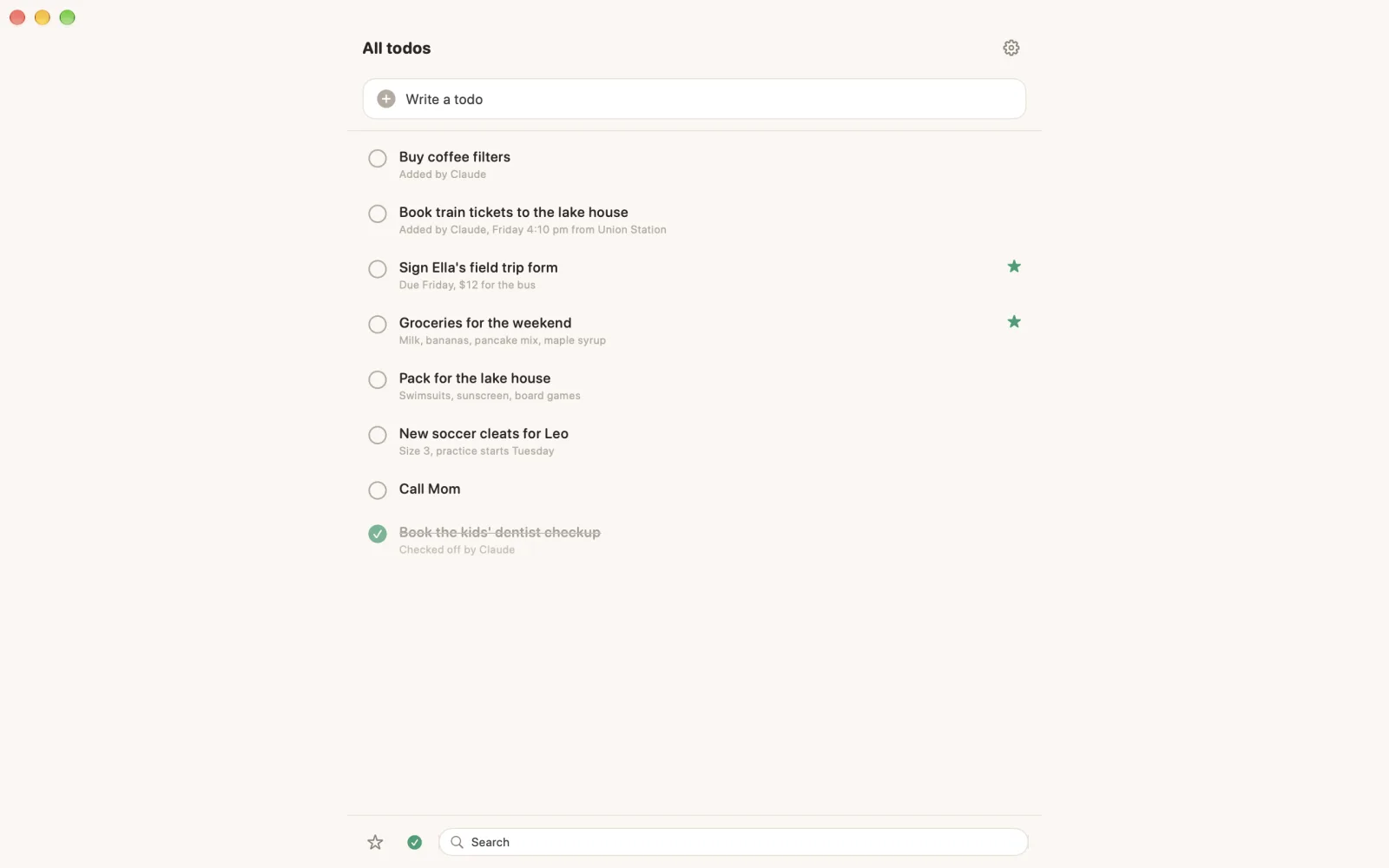
One list. A big checkbox.
One row at the top: type, tap plus. Details in a note under each line if you want them. A widget on your home screen. That is the whole app.
If you want
And your AI can help too.
You sayIt adds, you tick.
“Add coffee filters and oat milk.” It is on the list before you put the phone down, and you tick it off in the store.
You sayIt breaks it down.
“Put everything for the cabin weekend on my list.” Ten short lines, with the details in the note under each.
You askIt reads, it doesn't nag.
“What is still open before Friday?” It reads your list and tells you. That's all.
You sayEither of you ticks.
“I bought the batteries.” Checked. It can never delete anything.
Connect your AI
Works with the AI you already use.
Claude, ChatGPT or any AI that supports connectors (MCP). Paste one address and sign in. On your phone and on the web, Claude and ChatGPT can't open Apple Reminders; they can open Pinpal Todo, from anywhere, and only the AI you choose. It can add and check off. It can never delete.
Works withClaudeChatGPTand any AI with MCP
Add to ClaudeOpens Pinpal Todo in Claude. Tap Connect and sign in.
Pinpal Todo connector address
https://todo.mypinpal.com/mcpFind Pinpal Todo in Claude's connectors, or paste this address into ChatGPT or any AI with MCP. Step by step · API and MCP reference
Price
Free to start. Quiet, and cheap after.
Freefor up to 20 todos
$1.99 a month for unlimited. First week free.
- 19 kr a month in Sweden; local prices follow the App Store.
- Reading, editing and deleting are always free. Check one off or delete it to make room.
- No ads. Your AI connects on the free plan too.
- Cancel any time in Settings. Stop paying and your list stays readable and exportable.
Questions
Short answers.
Will it nag me?
No. No reminder emails, no lock-screen pings, no daily digest, no badges, no dates you have to set. You open the list when you want.
Is this an AI to-do app?
No. It is a to-do list, with no AI inside. If you use Claude or ChatGPT, you can connect it and it works on the list with you. If not, you have a clean, quiet list.
How is this different from Apple Reminders?
Reminders is simple too, but your AI can only reach it from a Mac, through add-ons, while that Mac is on. Pinpal Todo is just as quiet, and the AI you choose can add to it and tick things off from your phone, the web or your computer.
Is there a widget?
Yes. What is still open, and a plus that drops you straight into typing.
Where did my done todos go?
Off the open list. The filter shows them. Tap the box again to bring one back.
Is it free?
Yes, for up to 20 open todos, with everything in it: the widget and your AI connected. Checked-off and deleted todos do not count. For more, $1.99 a month makes todos unlimited, and the first week is free.
What happens if I cancel?
Nothing is deleted. You can read, edit, check off and export everything, and keep up to 20 open todos on the free plan. Check one off or delete it to make room for a new one.
When can I download it?
Pinpal Todo is in App Review now. The button on this page turns on the day it is live.
Coming soon. Quietly.
A to-do list for you and your AI, on iPhone, iPad, Mac and Android.
$1.99 a month. First week free.